Reference workflow
Two data planes, one place to decide
Security telemetry (endpoint, EDR, firewalls) and Observability signals (APM, infrastructure, application logs) both land in Elastic—where rules, workflows, cases, and dashboards give analysts a single narrative. Linked Agent Builder agents add cross-project reasoning when those streams live in separate serverless projects.
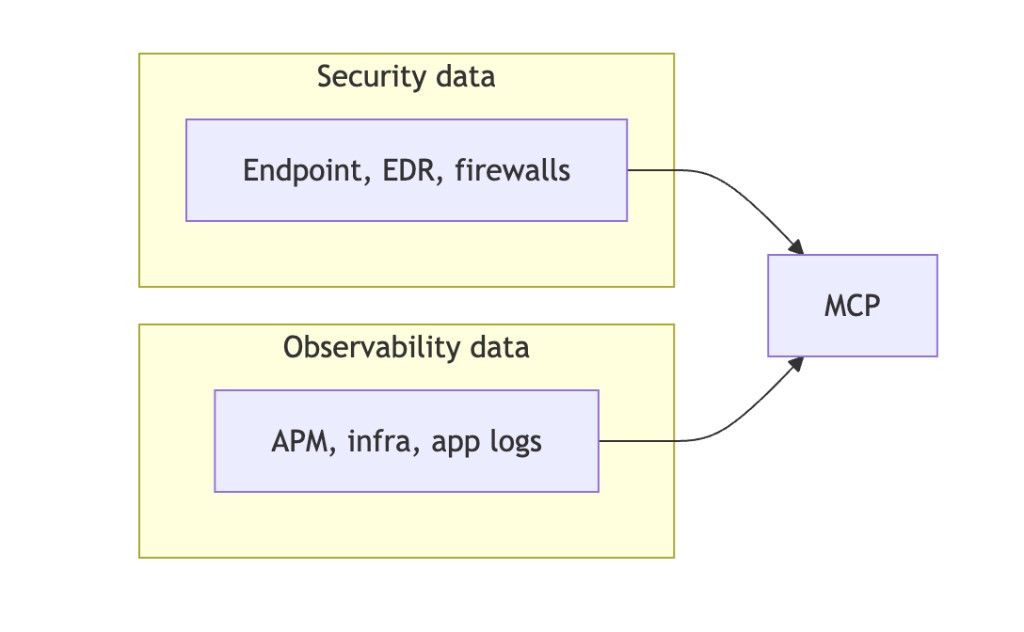
- Left lanes — keep collection specialized; avoid duplicating analytics in both stacks.
- MCP / Agent Builder — detections, triage, workflow automation, and the enriched case document analysts ship.
- Cross-project call (A2A) — Workflows use native HTTP to the peer Kibana converse endpoint (Basic or API key). Kibana’s outbound connector is still capped near ~60s, so the lab uses a short [A2A_WF] path on the Observability agent for Security-initiated peer review.
- Cross-project search (CPS) — in Elastic Cloud you can link Serverless projects and search or analyze data across them from one project (e.g. Observability linked to Security). Shown as tech preview in the Elastic UI. Either wire correlation with A2A via MCP / Agent Builder + workflows (explicit APIs, agents, cases) or lean on CPS when the priority is unified discovery across linked projects—often both make sense for different personas.
From the cloud-path lab
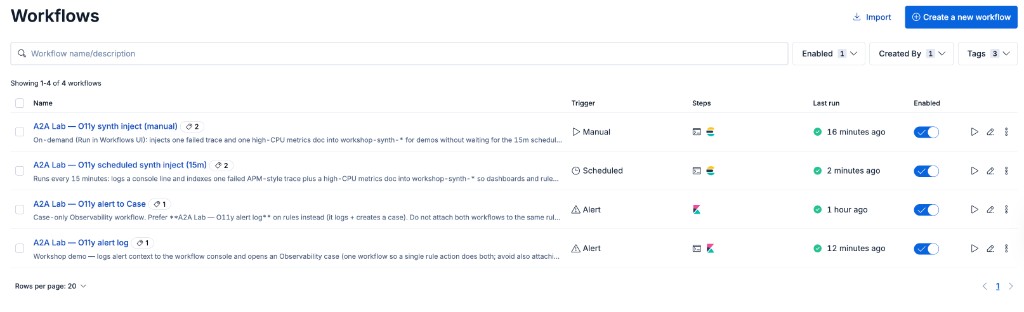
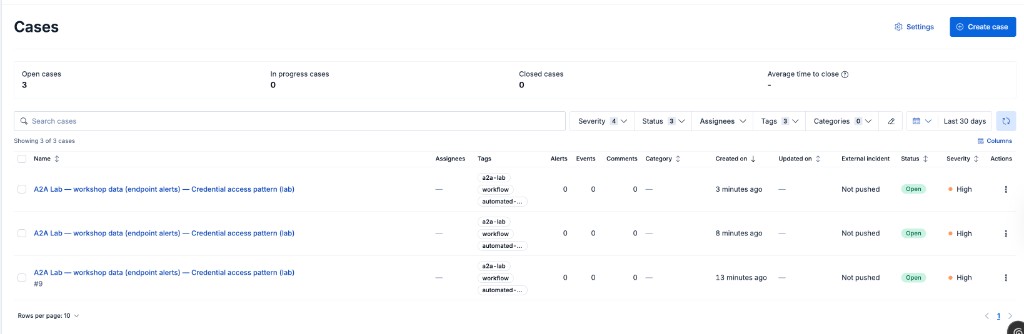
Kibana Workflows and Cases
elastic-agent-builder-a2a-cloud-path pushes workshop workflows to both Kibanas: manual synth inject (Run on demand), scheduled 15m injectors (disabled in YAML until you enable the toggle), and alert workflows that log, call the peer project via HTTP converse, then open a Case with drill text plus the model reply.